One system, any distro under it
Describe your machines once, in code. FormalSpec installs them on the distro you pick and keeps them identical.
Try it: pick a distro and watch the spec change.
Keep the distro you trust. Make every machine on it yours.
FormalSpec describes each machine in Starlark: packages, files, services and the distro underneath. One lockfile pins every version, so every machine on the same commit runs the same software.
The installer puts that description on a new disk. NativeDesktop apps and FormalShell make it feel like one desktop from the first login.
FormalSpec
Declare your machines in code and keep them identical, on any Linux distro and on macOS.
Tested on macOS, and on Fedora 44, Arch, Debian 13 and Void.
fspec switch --distro d [--release r]
Installs another distro beside this one.
What it manages
Files and hosts
Write, link or seed a file once, or merge your keys into a file the app also writes. Hosts are plain functions, so a second laptop is one line.
load("//modules/cli.star", "cli")

def laptop(name, extra = []):
    return host(
        name = name,
        platform = "x86_64-linux",
        system = image(base = "ghcr.io/ublue-os/bazzite-nvidia:stable"),
        users = [user("kyandesutter", uid = 1000, shell = "fish")],
        modules = [cli()] + extra,
    )

hosts = [laptop("g815"), laptop("e1504g")]
Services
Describe a service once, and FormalSpec writes it for each init system.
- systemd
- runit
- OpenRC
- dinit
- s6
- launchd
System
Run a bootc image on Fedora Atomic, Bazzite and friends, or the distro's own package manager everywhere else.
# change the base image, then apply
system = image(base = "ghcr.io/ublue-os/bazzite-nvidia:stable")
Cleanup
Delete a line and the package goes, with its services, files and app data. Changed your mind? Roll back.
fspec rollback
fspec gc --older-than 14dThe installer
Pick a distro and a preset, and boot into a machine FormalSpec manages from day one. Or point it at your spec repo and get your machines back.
15 distros, from Fedora and openSUSE to Arch, Void and AerynOS. Coming soon as a bootable image.
  FormalSpec    Language · Disk · System · Preset · Account · Review · Install
  ────────────────────────────────────────────────────────────────────────────

  Choose a system

    Fedora              fixed    systemd  signed kernel    classic
    Bazzite             fixed    systemd  signed kernel    image
  ▌ Fedora Atomic       fixed    systemd  signed kernel    image
    Aurora              fixed    systemd  signed kernel    image
    Arch Linux          rolling  systemd  unsigned kernel  classic
    CachyOS             rolling  systemd  unsigned kernel  classic

  Fedora Atomic
  Fedora as an image: updates land whole and the previous one stays in the
  boot menu.

  fixed            New versions arrive in scheduled releases you upgrade to.
  systemd          Services start with systemd, as on most distros.
  signed kernel    Boots with Secure Boot on, and anti-cheat that checks
                   kernel signatures trusts it.
  image            The system is a bootc image: updates apply whole, and the
                   previous image stays bootable.
  based on Fedora  Uses Fedora's packages, with its own changes on top.
  ↑↓ Move  Enter Continue  Esc Back  ? Keys  s Spec
FormalSpec Language · Disk · System · Preset · Account · Review · Install ──────────────────────────────────────────────────────────────────────────── Choose a disk ▌ Samsung SSD 980 PRO 1 TB nvme Windows (ntfs), EFI (vfat) WD Blue SA510 500 GB sata Empty SanDisk Ultra 16 GB usb Installer USB LUKS2 ─────────────────────────────────────────────────────────── EFI 2 GB @system @home @swap @snapshots @fspec Everything on Samsung SSD 980 PRO (1 TB) will be erased. ━━● Encrypt the disk Passphrase Confirm passphrase ▌ Use at least 8 characters. Swap size ‹ 4 GB › Tab Next Enter Continue Esc Back
  FormalSpec    Language · Disk · System · Preset · Account · Review · Install
  ────────────────────────────────────────────────────────────────────────────

  Installing Fedora
  Keep the machine powered on.

  ✓ Partition the disk
  ✓ Format the partitions
  ⠧ Set up LUKS2
    9 more steps

  ━━━━━━━━━━━━━━━━━━━━━━━━━━━━━━━━━━━━━━━━━━━━━━━━━━━━━━━━━━━━━━━━━━━━━━━━━━━━
  Step 3 of 12                                                           01:23

  Log

  sgdisk --new=1:0:0 /dev/nvme0n1
  The operation has completed successfully.
  sgdisk --new=2:0:0 /dev/nvme0n1
  The operation has completed successfully.
  sgdisk --new=3:0:0 /dev/nvme0n1
  The operation has completed successfully.

  Installing. This cannot be interrupted.
  FormalSpec    Language · Disk · System · Preset · Account · Review · Install
  ────────────────────────────────────────────────────────────────────────────

  ✓ Fedora is installed.
  Remove the installer USB, then restart.

    Restart now      Open a shell

  ✓ Configure locale and time zone
  ✓ Install the FormalSpec tools
  ✓ Apply your spec
  ✓ Set your password
  ✓ Build the kernels
  ✓ Install the bootloader

  ━━━━━━━━━━━━━━━━━━━━━━━━━━━━━━━━━━━━━━━━━━━━━━━━━━━━━━━━━━━━━━━━━━━━━━━━━━━━
  Step 12 of 12                                                          00:00

  Log

  [12/12] install the bootloader (1/3)
  [12/12] install the bootloader (2/3)
  [12/12] install the bootloader (3/3)
  ←→ Choose  Enter Select
  FormalSpec      Language · Source · Host · Disk · Account · Review · Install
  ────────────────────────────────────────────────────────────────────────────

  Choose a host

  ▌ framework           x86_64-linux       fedora   kyan
    macbook             macOS hosts are not installed from this ISO


  ↑↓ Move  Enter Continue  Esc Back  ? Keys  s Spec
Apps that feel native
Describe a window once, and each OS draws it with its own widgets: AppKit on macOS, GPUI on Linux, Windows and the web.
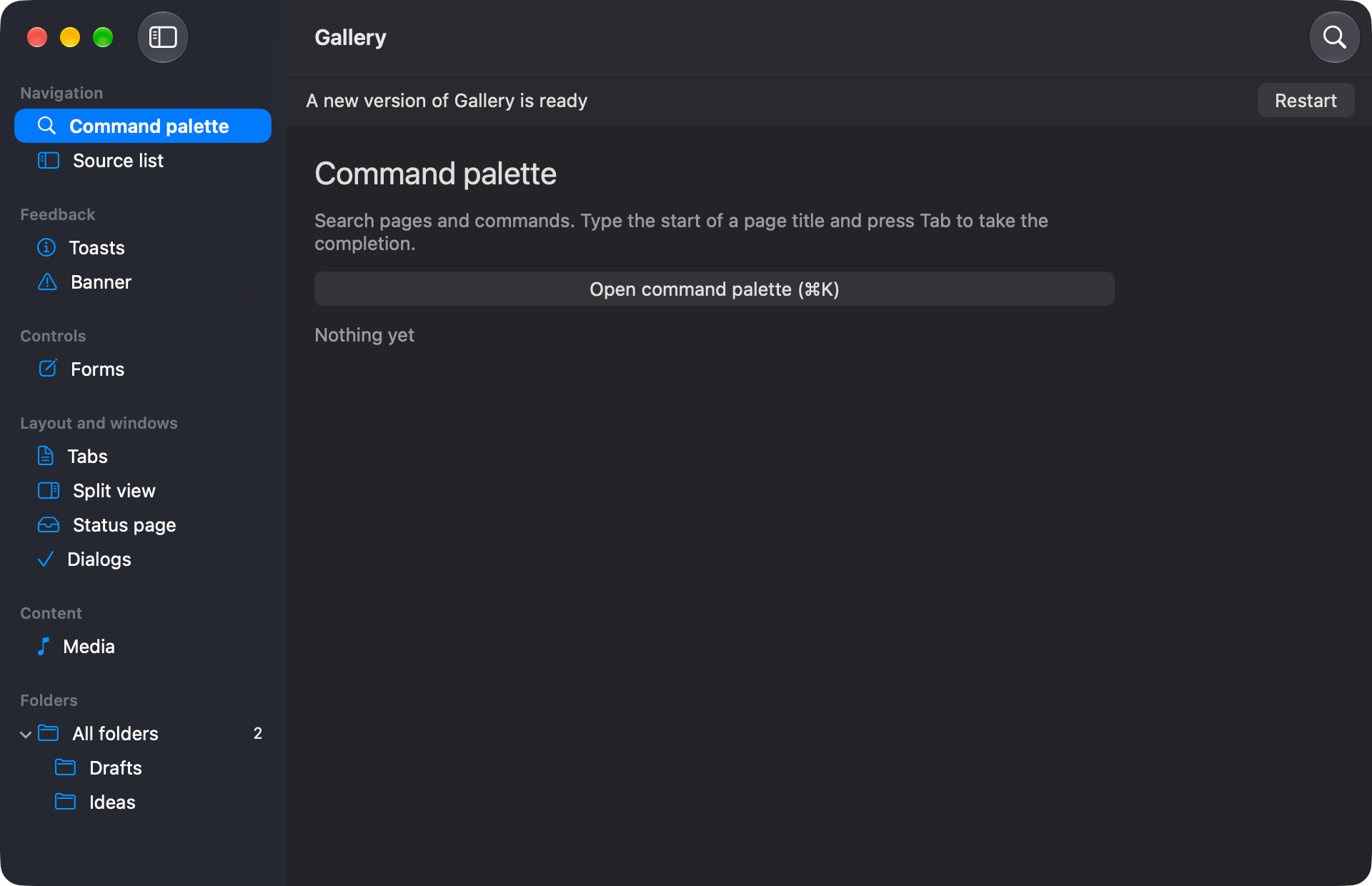
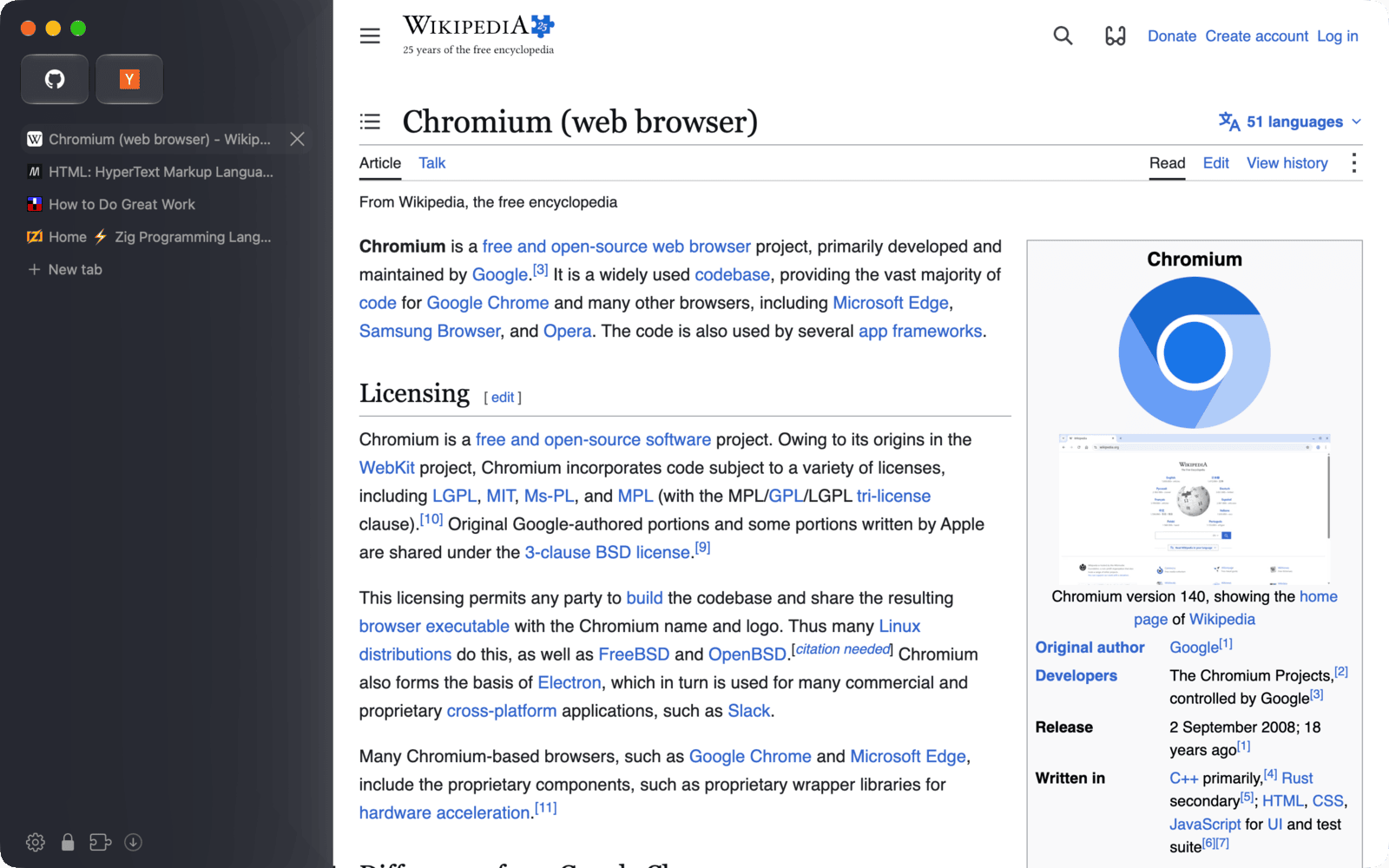
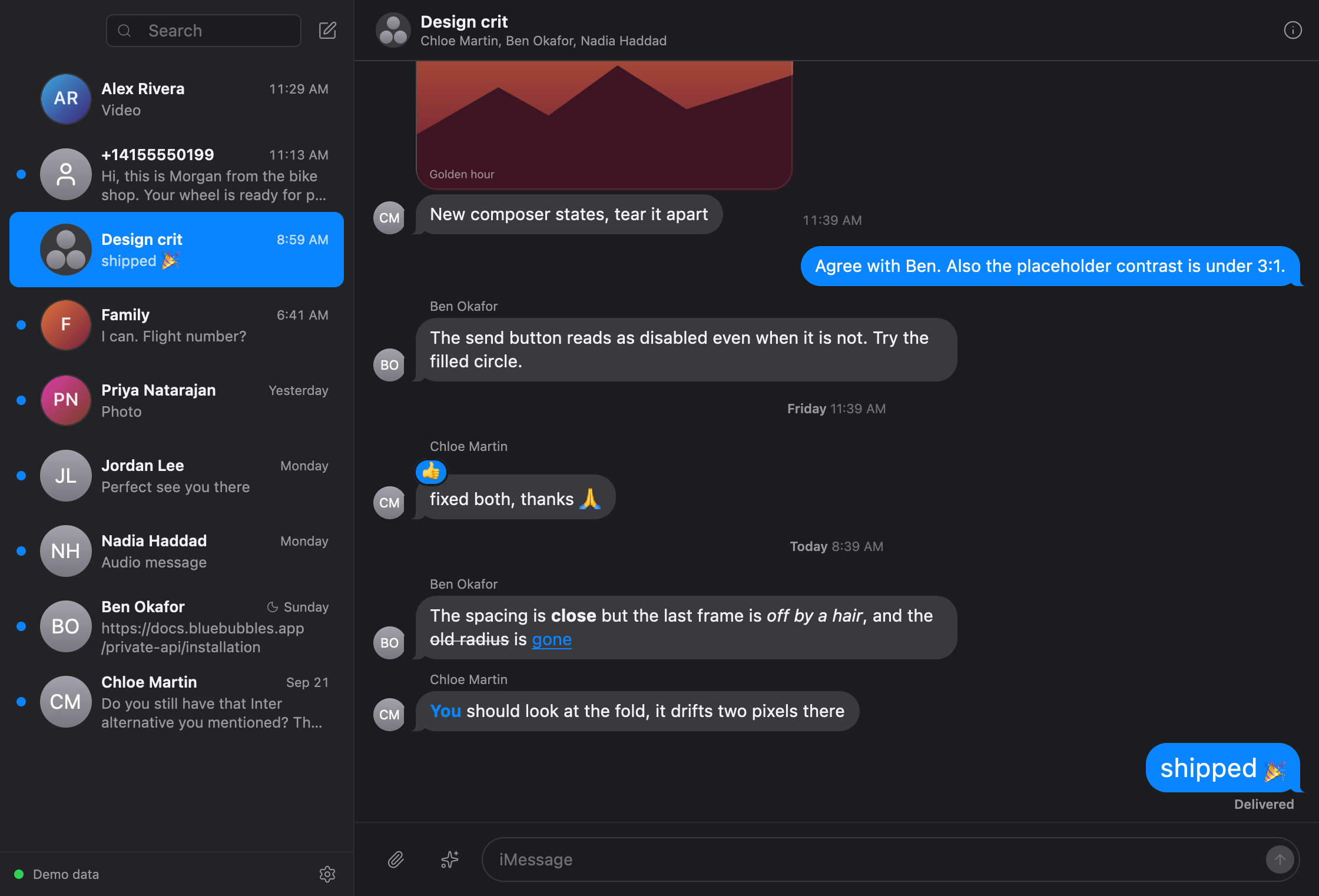
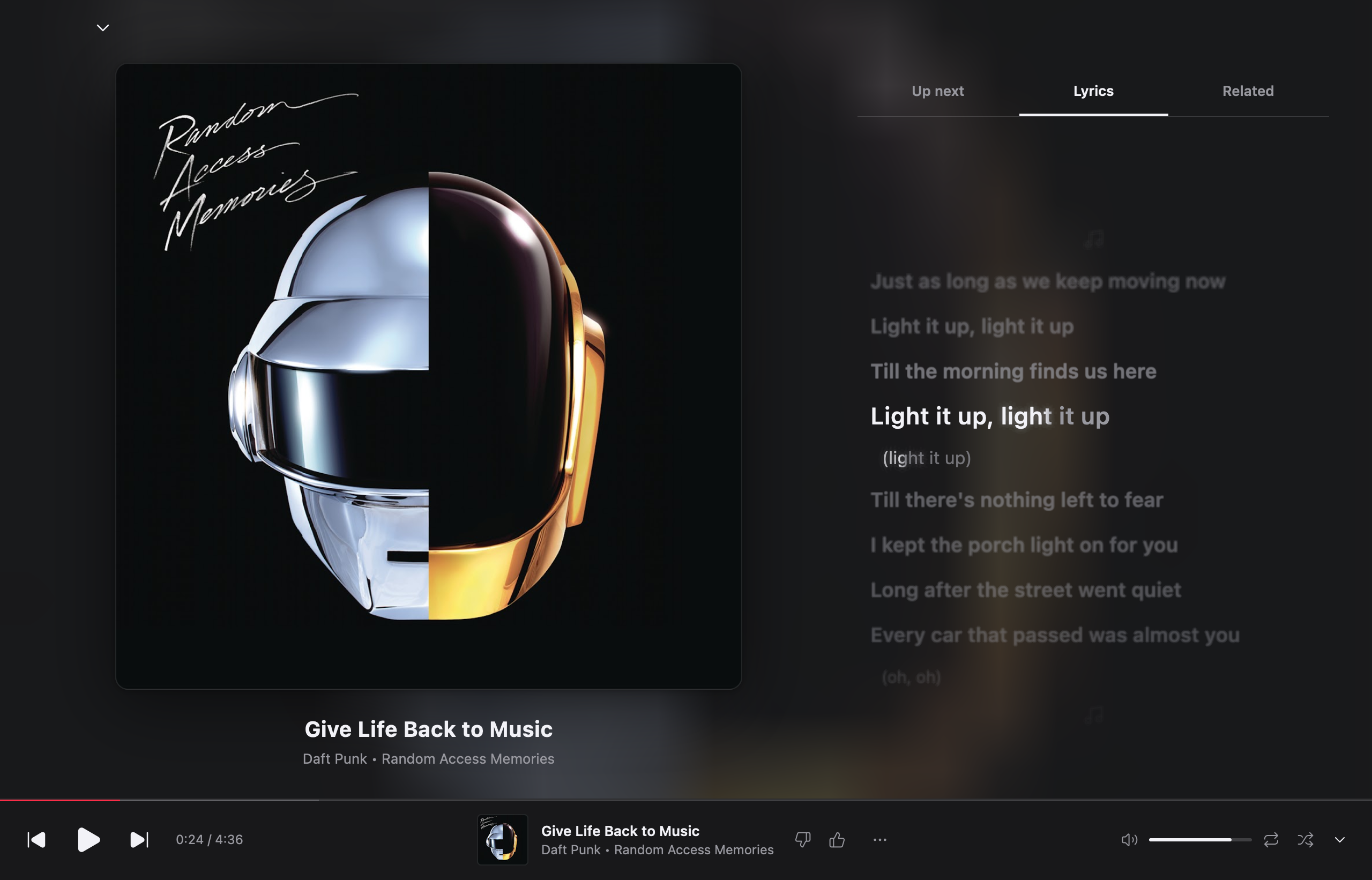
FormalShell, coming next
A desktop shell for Hyprland, written in Rust. One process draws the bar, launcher, panels, notifications, lock screen, greeter and screensaver, and every colour comes from your wallpaper.
Ready for everyday use on Hyprland 0.56 and newer. Coming to the installer next.
metamorphosisdefault
Launcherdocs/media
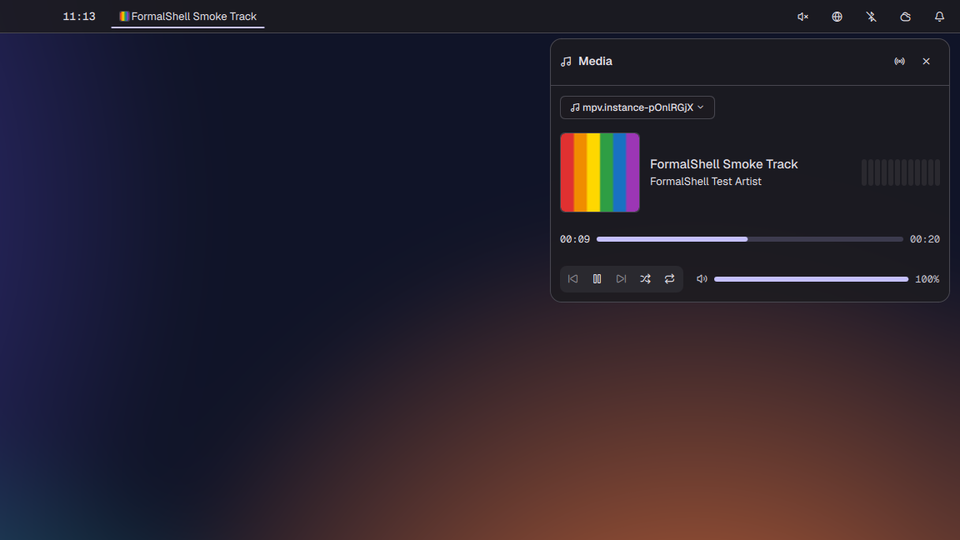
metamorphosisdefault
Media paneldocs/screenshots
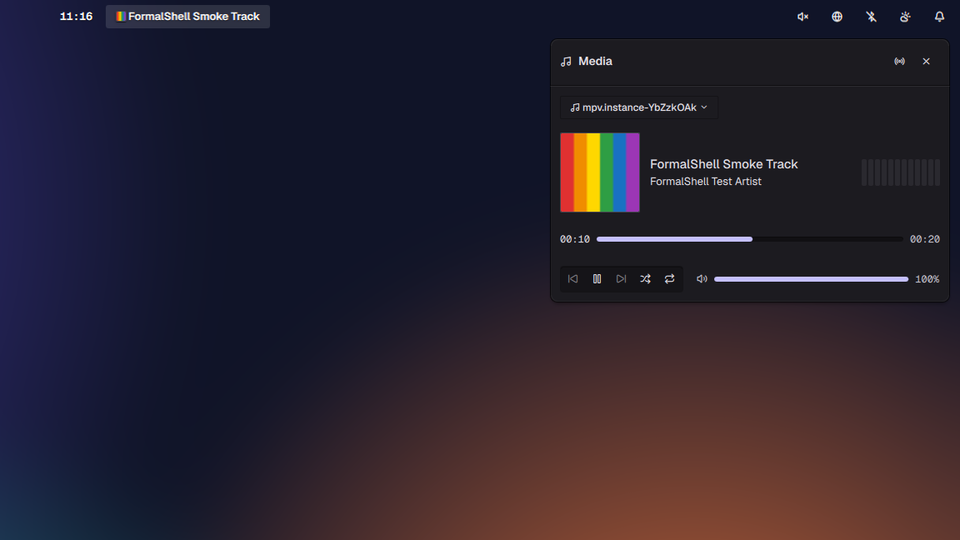
pantheonelementary
Media paneldocs/screenshots
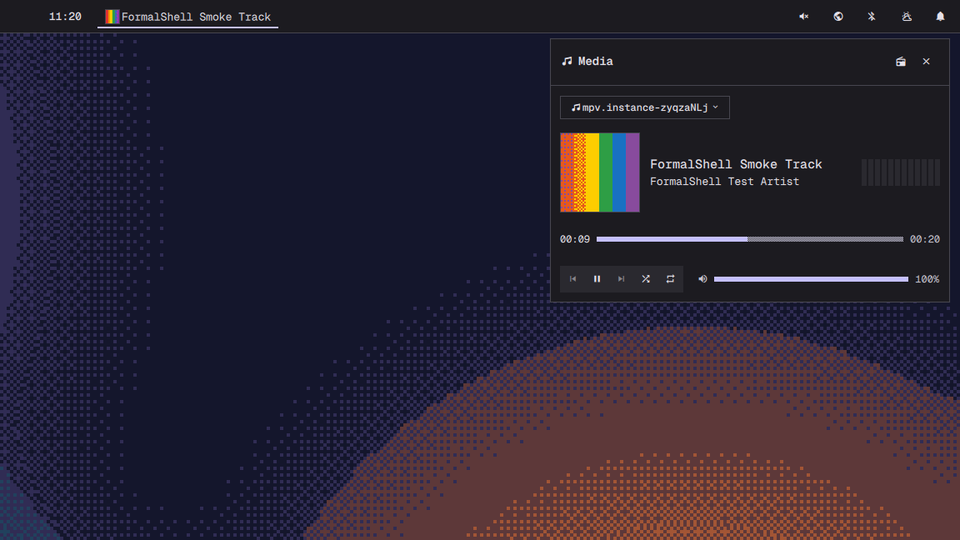
retrodithered
Media paneldocs/screenshots
ttfxdecrypt
Screensaverdocs/media
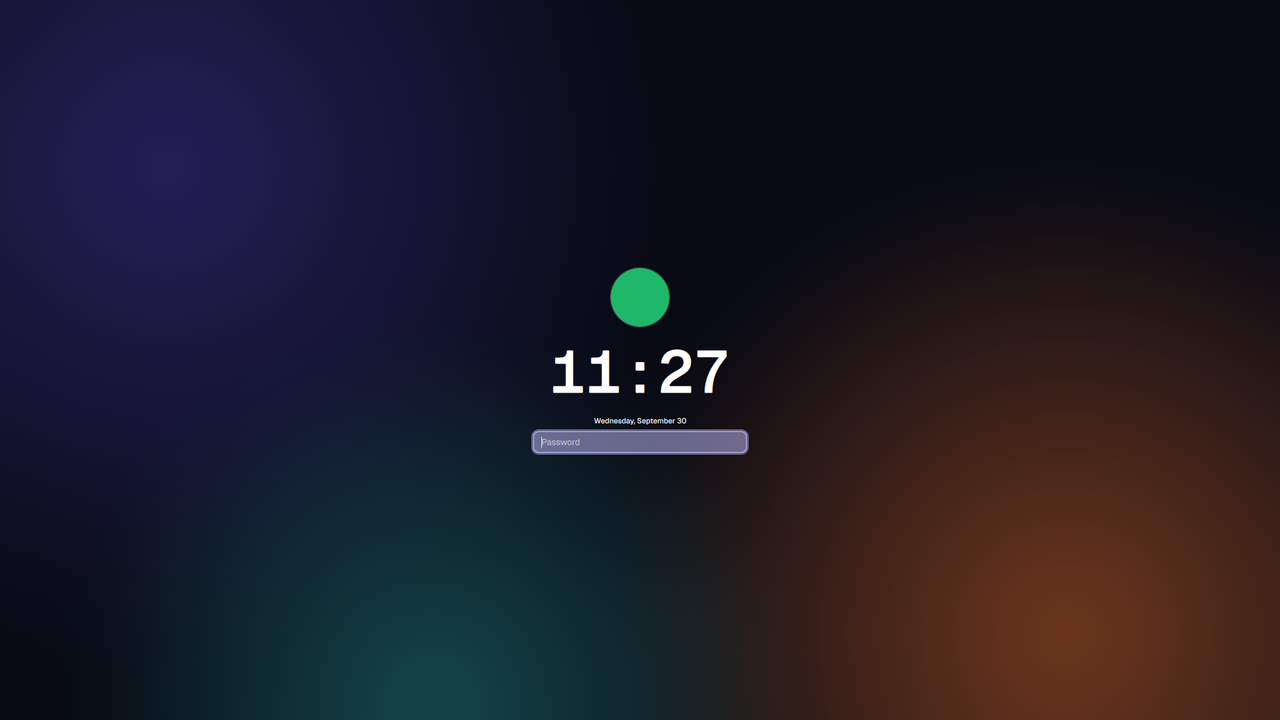
PAMlock screen
Lock screendocs/screenshots
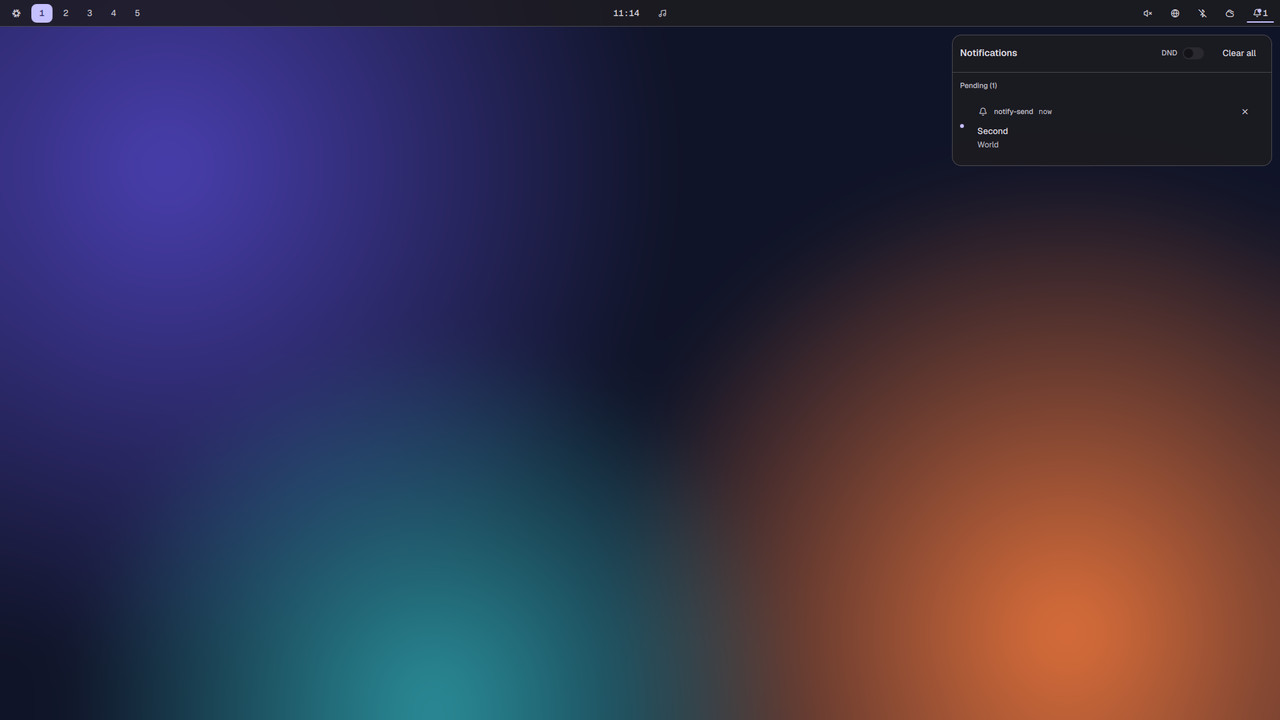
DNDhistory
Notification centredocs/screenshots
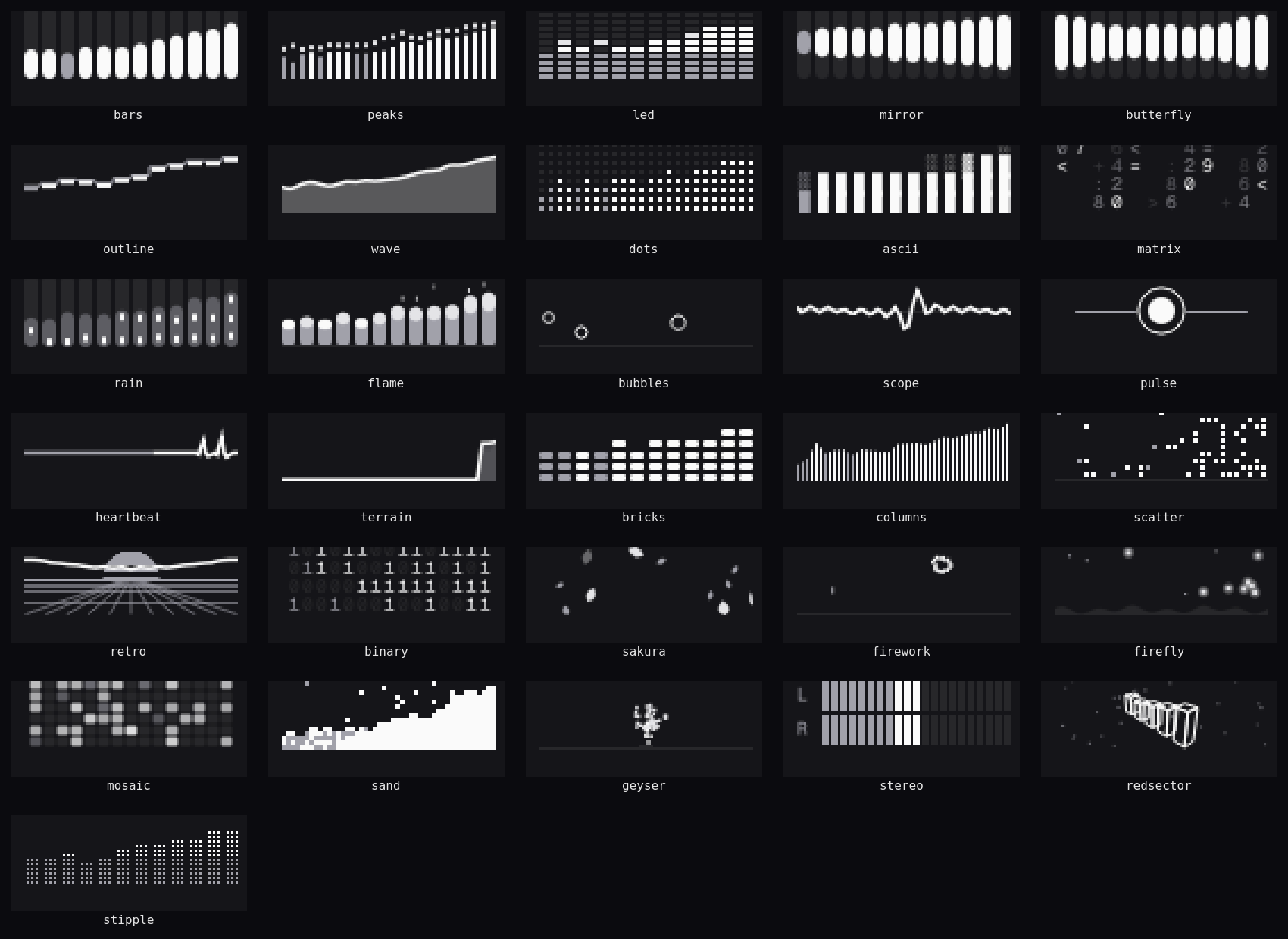
31 stylesmedia panel
Visualizersdocs/media
Smaller tools
Kyan's
- meshtopmacOS and Linux, MIT
Live resource usage, connections and coding agents across all your machines, in one terminal.
- nothingctlLinux, 22 models
Battery, noise control and EQ for Nothing and CMF headphones and earbuds, from the Linux command line.
Contributions
- KopuzContributor
A Rust and Dioxus music player by the Kopuz-org community. Kyan contributes to it.